
CosmicIris documentation.
Everything you need to work with CosmicIris — from your first client to a full multi-model reading. Where the docs show a piece of the product, you get a live, working example rather than a screenshot.
What is CosmicIris
CosmicIris is a cloud clinic for multidimensional iridology, sclerology and eye-based diagnostics. It brings two things onto one surface:
- A clinic workspace — client records, visits, documents, an optional patient intake form and a WhatsApp inbox, shared by everyone in your clinic.
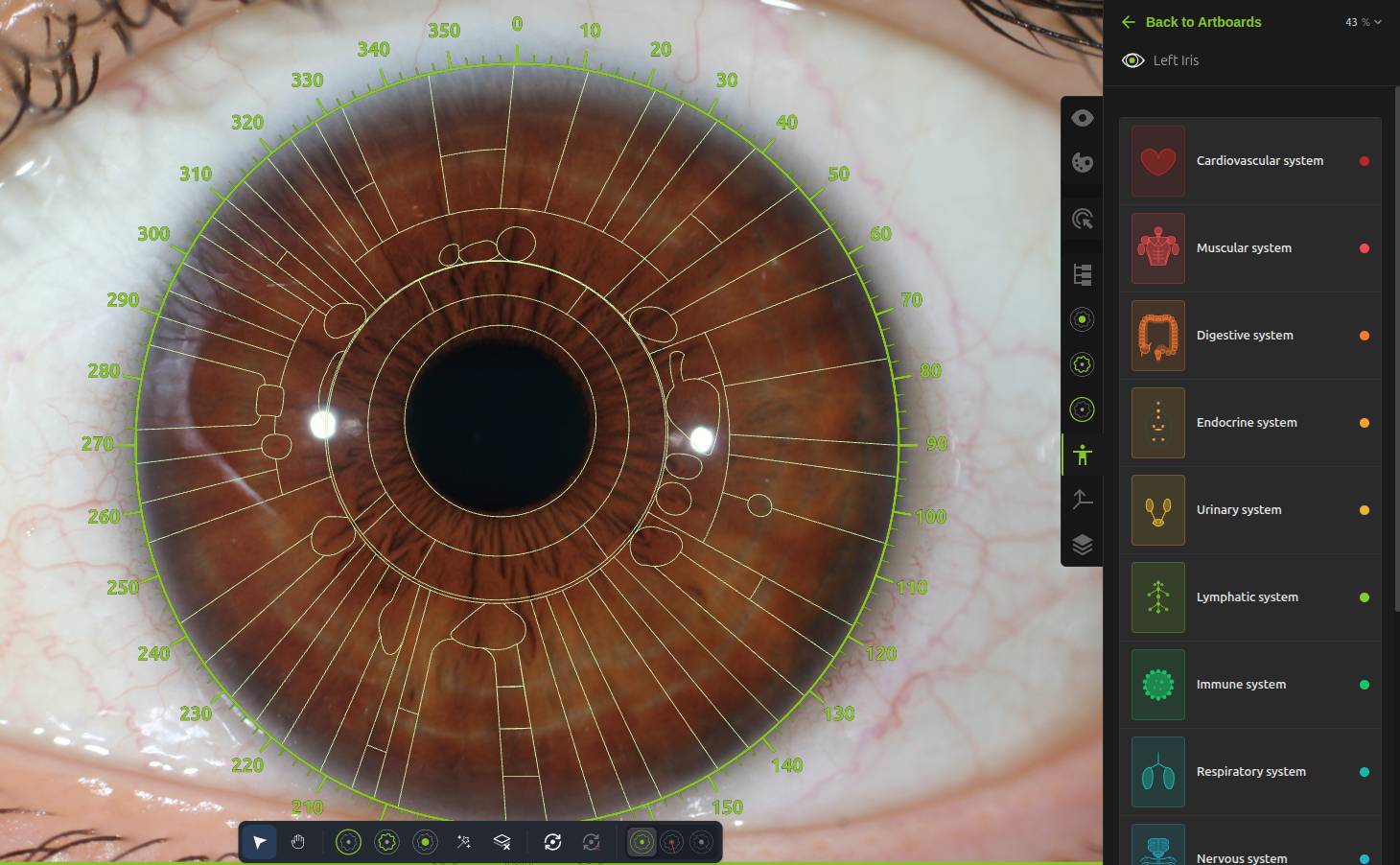
- A diagnostic canvas — a GPU-accelerated board where you load eye photographs, auto-detect the iris geometry, overlay analysis maps, place findings and generate a branded PDF report.
Analyses on the canvas are organised into models — reading systems such as Classic iridology, Time Risk or Sclerology. Each model brings its own maps, sign catalogue and panel tools, and all of them work on the same client, side by side.
Work is saved automatically and synchronised across your devices — the app is offline-first, so a dropped connection never interrupts a session. CosmicIris runs in the browser and as a desktop app, and the interface is available in English, Hebrew, Italian and Portuguese.
The workflow
Every analysis in CosmicIris follows the same four moves, whatever the model:
Getting started walks this loop end to end; the model pages cover what each reading adds to it.
The five models
Three models are included with every clinic; two more come with the Pro plan. Which models activate on a given image is decided by its eye type.
The classic iridology reading — constitution, signs and organ-zone maps. The canvas falls back to it on every iris image.
Iris Time Risk IncludedThe collarette read as a life clock — signs and traumas placed against the age they occurred.
IrisCollarette closeup Sclerology IncludedThe whites of the eyes, quadrant by quadrant — current-state sign lines against a sclera map.
Sclera gaze Space Risk Pro planThe inner pupillary border divided into 26 mirror-symmetric spaces, each linked to a vertebra, organs and curated themes.
IrisIPB closeup Iridology & Love Pro planA twelve-sector “steps of love” wheel anchored on the birth date, with introflection and extroflection vectors.
IrisWhere to next
- Getting started — the workspace, your first client, first images and first report.
- Working with models — availability, eye types, maps, and how markings work across models.
- Support — write to us; every message opens a tracked ticket.